


Search Service Line Material by Property (Lead Services)
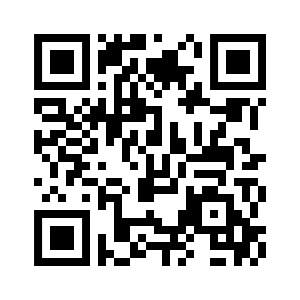
If you would like to view the Water Service Line material by property please visit:
https://www.axisgis.com/warwickri/ or scan the Qr code.
Once you click the link or scan the QR code you will see a layer’s tab on the left hand side of the screen. Click layers then select Water Dept. then the appropriate box under the Water Dept you are trying to view, give the Water Dept layers a few moments to load, then search for the desired property.